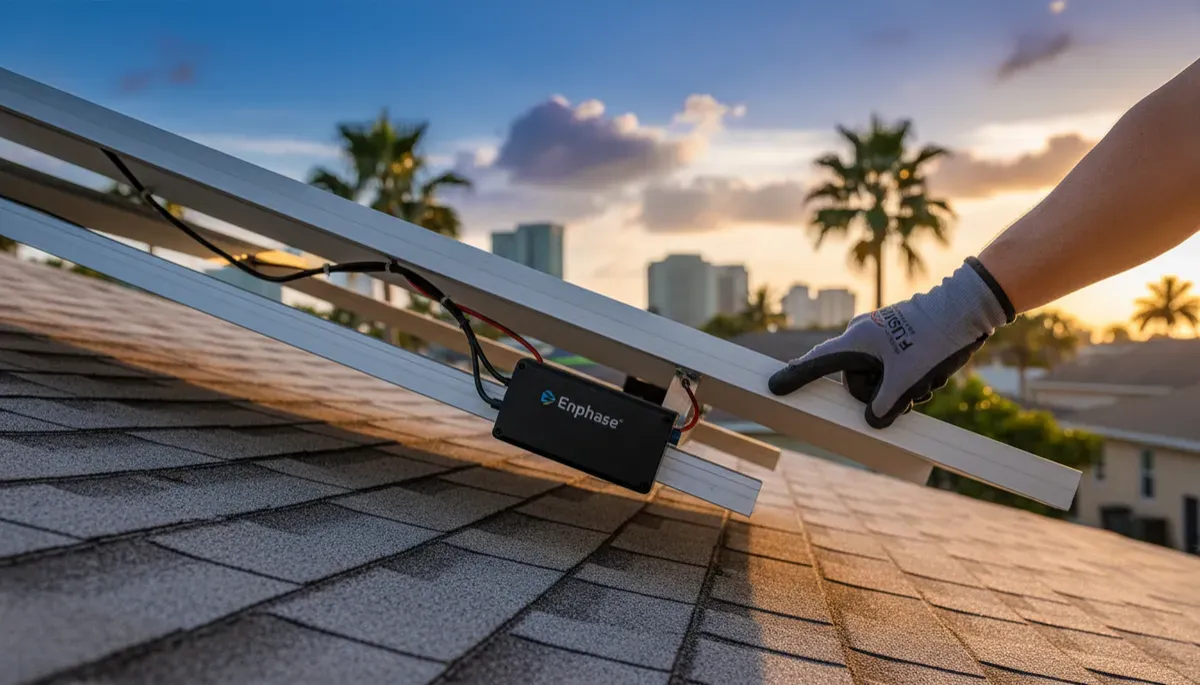
Enphase App Alerts: What They Mean for Tampa Homeowners
Enphase app alerts tell you which part of your system has a problem. Gateway Not Reporting means the IQ Gateway lost its internet connection while your panels keep producing. Microinverters Not Reporting means one or more microinverters stopped talking to the gateway, which does not always mean lost production. Battery alerts and battery lights point to communication, overload, low charge or heat. Some of these have a safe homeowner step, like checking your Wi-Fi or turning off a big appliance, and the rest need a technician. Fused Solar and Roofing is a licensed roofing (CCC1331058), electrical (EC13014750), and building contractor (CBC1252064) — all three in-house. We service Enphase systems across Tampa Bay, whoever installed them.
Before anything else, the safety rule. Never open, unscrew or remove any cover on a gateway, combiner, battery or electrical panel, and never touch wiring or go on the roof: solar panels make electricity whenever the sun is up, even with the system turned off. If you notice smoke, a burning smell, sparks, heat, buzzing, melting, or water on or in any equipment, stay away from it and keep children and pets back. Call 911 if there is smoke or fire, then call for service.
We also do not walk homeowners through breaker resets, even where a manufacturer allows it. Everything in this post is limited to steps you can take from your phone, your Wi-Fi router, and your household appliances.
1. The Enphase Alerts Tampa Bay Homeowners See
The Enphase App sends alerts when the system notices something out of the ordinary. They fall into a few groups, and knowing which group you are looking at makes the next step much clearer. Here are the alerts this post covers:
- Gateway Not Reporting: the IQ Gateway (older systems call it the Envoy) lost its internet connection.
- Microinverters Not Reporting: one or more microinverters stopped sending data to the gateway.
- Low production or Production issue: the system made less energy than expected.
- Wireless communications failure: the wireless link between parts of the system dropped.
- Battery Not Reporting: the IQ Battery stopped sending data.
- Battery shutdown (overload or depletion): the battery turned off during an outage.
- Battery lights: a solid yellow or flashing red light on the IQ Battery.
A useful way to think about these: a "Not Reporting" alert is usually about communication. The equipment may be running fine while the app is simply missing information. Shutdown alerts and lights are about the equipment itself, and those deserve more attention.
2. Gateway Not Reporting: What It Means and What You Can Do
The IQ Gateway is the small box that collects data from your microinverters and battery and sends it to Enphase over the internet. When the app says Gateway Not Reporting, the gateway lost its internet connection. Your panels still produce power. What you lose is the ability to see that production in the app until the connection comes back.
The usual cause is a change on the home network side. A new internet provider, a new router, or a changed Wi-Fi name or password will leave the gateway trying to connect to a network that no longer exists the way it remembers.
Safe homeowner steps for Gateway Not Reporting
Check your home Wi-Fi. Make sure the internet is working on your phone or computer. If it is down, restart your own Wi-Fi router and give it a few minutes to come back.
Start the guided reconnect in the Enphase App. Tap the alert in the app to start Enphase's guided reconnect, and stand within about 10 feet of the gateway while you do it.
Stop there if it does not reconnect. If the gateway still will not come back online, book a technician. Do not open the gateway or unplug anything inside it.
💡 Pro Tip: If you recently switched internet providers or changed your Wi-Fi password, that is the usual reason the gateway went quiet. Keep the new network name and password handy before you start the guided reconnect so you can finish it in one try.
3. Microinverters Not Reporting: What It Means and What You Can Do
Enphase systems use a small microinverter under each solar panel. Each one talks to the gateway so the app can show you panel-by-panel production. Microinverters Not Reporting means one or more of them stopped talking to the gateway. This does not always mean those panels stopped producing. Often the signal between the microinverters and the gateway is being disrupted, and the panels keep working the whole time.
That signal travels over your home's electrical wiring, and certain household devices create electrical noise that can interfere with it. Enphase names power strips, surge protectors, battery backups (UPS units), touch lamps, chargers and older CFL bulbs as common sources.
Safe homeowner steps for Microinverters Not Reporting
Wait. This alert often clears on its own. Give it time before doing anything else.
Move noisy devices away from the gateway. If power strips, surge protectors, battery backups (UPS), touch lamps, chargers or old CFL bulbs are plugged in near the gateway, move them to an outlet farther away.
Book a technician if it lasts more than 24 hours. If the alert is still showing after a full day, a technician needs to look at it. Microinverters sit on the roof under the panels, and nobody but a licensed technician should go up there.
Request a diagnostic visit at https://fusedsolarandroofing.com/solar-repair
4. Low Production and Wireless Communications Alerts
Low production or Production issue
This alert means your system made less energy than it normally would. In our area, the weather is the usual explanation. A run of cloudy days or heavy afternoon storms can cut production enough to trigger the alert even though nothing is wrong with the equipment.
What you can do: If it has been cloudy, wait for clear weather and watch the app for 24 hours. Production should climb back to normal once the sun returns.
When to book a technician: If production is not back to normal after 48 hours of watching, or if you can see damage from the ground, book a technician. Do not climb up to look at the panels.
Wireless communications failure
This alert means the wireless link between parts of the system dropped. It tends to recover by itself.
What you can do: Wait 15 to 20 minutes for it to recover on its own.
When to book a technician: If it is still down after that, book a technician.
🔑 Key Takeaway: Low production after cloudy weather and short wireless dropouts usually clear up with time. Give production 24 to 48 hours of clear weather, give a wireless failure 15 to 20 minutes, and book a technician if either one does not recover.
5. Enphase Battery Alerts: Not Reporting, Overload and Depletion
Battery Not Reporting
This applies to IQ Battery 3, 3T, 10 and 10T units. The battery stopped sending data to the gateway.
What you can do: Make sure the gateway is online (see section 2 if it is not), then allow up to 15 minutes for the battery to report again. If the battery charge was under 5 percent when it stopped reporting, allow up to 24 hours.
When to book a technician: If the battery still is not reporting after that wait, book a technician.
Battery shutdown due to overload
During an outage, the battery can shut down if the home pulls more power than it can supply. This applies when the battery charge is still above 2 percent.
What you can do: Turn off the big load right away. The battery restarts within about 5 minutes. Motors and pumps are hard to start, so turning off something like the oven may let a pump run.
Battery shutdown due to depletion
If the battery charge falls to 2 percent or lower during an outage, the battery shuts down to protect itself.
What you can do: Turn off appliances so the system can recover when the sun returns and solar starts recharging the battery.
When to book a technician: If it does not recover, book a technician.
⚠️ Warning: Never use the battery's DC switch or remove any cover on the battery to try to restart it. Any step that involves the DC switch or a cover belongs to a licensed technician. Your part during an outage is turning off appliances and letting the system recover.
6. Enphase Battery Lights and Microinverter Lights
IQ Battery solid yellow light
A solid yellow light means the battery is too hot to run. This is common in Florida summers, especially when the battery is in a garage or on a sunny wall.
What you can do: Make sure nothing blocks the battery's vents and nothing is stacked against it. Then book a technician so the installation and location can be checked.
IQ Battery flashing red light
A flashing red light on the IQ Battery is a technician item. There are no homeowner steps. Book a diagnostic visit.
Microinverter lights on the roof
Each microinverter has a small status light, and you may notice an orange or red light from the ground. Any microinverter light on the roof, orange or red, is a technician item. Do not go on the roof or use a ladder to get a closer look. Book a diagnostic visit.
💡 Pro Tip: Garages in Tampa Bay get very hot from June through September. Keeping a clear space around the battery all year, with nothing leaning on it or covering the vents, gives it the best chance of staying under its temperature limit on the hottest afternoons.
7. When an Enphase Alert Needs a Technician
Some Enphase issues have no safe homeowner step at all. For these, the right move is to book a diagnostic visit and leave the equipment alone:
- IQ Battery flashing red light
- CT or meter numbers in the app that look wrong
- Any microinverter light on the roof (orange or red)
- Anything that involves the battery DC switch or a cover
Book a technician as well when one of the homeowner steps above does not work: a gateway that will not reconnect, microinverters that have not reported for more than 24 hours, production that is not back to normal after 48 hours, a wireless failure that lasts past 20 minutes, a battery that has not reported after the wait, or a battery that does not recover after a shutdown.
Our on-site diagnostic visit is $395 and includes a written report with photos.
If the diagnostic points to a failed microinverter, our post on microinverter repair at https://fusedsolarandroofing.com/post/enphase-microinverter-not-working-tampa walks through what that repair involves.
8. How Sunny Can Help You Read an Enphase Alert
Alerts tend to show up at inconvenient times, like late at night or on a weekend. Sunny is Fused Solar and Roofing's AI assistant, available any hour on fusedsolarandroofing.com, and she can read a screenshot of your app or a photo of your equipment's display.
To reach her, go to fusedsolarandroofing.com and tap the chat bubble. You can type the alert exactly as it appears in the Enphase App, or send a screenshot of the app.
Sunny explains what the alert generally means and reminds you never to open any equipment. If there is a safe homeowner step for that alert, such as checking your Wi-Fi or moving a power strip away from the gateway, she will suggest it. If the alert needs a technician, she collects the property address and the best day and time for a visit so our team can follow up.
Frequently Asked Questions
1. Why does my Enphase app say Gateway Not Reporting?
Gateway Not Reporting means your IQ Gateway lost its internet connection. The usual cause is a new internet provider, a new router, or a changed Wi-Fi name or password. Your panels keep producing while the app is disconnected. Check your home Wi-Fi, then tap the alert in the Enphase App and follow the guided reconnect while standing within about 10 feet of the gateway, and book a technician if it does not reconnect.
2. Does Microinverters Not Reporting mean my panels stopped producing?
Not always. The alert means one or more microinverters stopped talking to the gateway, and the panels may be producing the whole time. It often clears on its own, and moving power strips, surge protectors, UPS units, touch lamps, chargers and old CFL bulbs away from the gateway can help. If it lasts more than 24 hours, book a technician.
3. Why is my Enphase battery light yellow?
A solid yellow light on an IQ Battery means it is too hot to run. This is common in Florida summers, particularly in garages. Make sure nothing blocks the vents and nothing is stacked against the battery, then book a technician to check the setup.
4. What should I do if my Enphase battery shuts down during a power outage?
If the battery charge is above 2 percent, it likely shut down from an overload, so turn off the big load right away and it restarts within about 5 minutes. If the charge is 2 percent or lower, turn off appliances so it can recover when the sun returns. Turning off something like the oven may let a pump or other motor start. If the battery does not recover, book a technician.
5. Is it safe to reset my Enphase system myself?
The safe steps are the ones that do not involve opening anything: checking your Wi-Fi, restarting your own router, using the guided reconnect in the app, moving noisy devices, turning off appliances, and waiting. Never open a cover on the gateway, combiner, battery or electrical panel, never use the battery DC switch, and never go on the roof. Fused does not walk homeowners through breaker resets, so book a technician for anything beyond the app and your router.
6. Can a different company service my Enphase system?
Yes. Fused Solar and Roofing services Enphase systems installed by other companies, including systems whose original installer is no longer in business. You can book a diagnostic visit online or start with Sunny on our website.
Request a diagnostic visit at https://fusedsolarandroofing.com/solar-repair
Fused Solar and Roofing is a licensed roofing (CCC1331058), electrical (EC13014750), and building contractor (CBC1252064), serving Hillsborough, Pinellas, Pasco, and Manatee counties since 2007, and services solar and battery systems of all brands, including systems whose original installer is no longer in business. Fused Solar and Roofing is an EnergySage Elite Installer with a 5.0/5 rating and 21+ verified reviews — independent verification, earned not purchased.
Schedule your Enphase diagnostic at https://fusedsolarandroofing.com/solar-repair
